
What is an AI "Context Window"? (ChatGPT vs. Claude Limits Explained)

Adnan Naseem
WordPress Developer & SEO Expert
Have you ever been in the middle of a long conversation with ChatGPT, and suddenly it seems to completely forget a rule you gave it just ten minutes ago? You told it specifically to write in a "casual tone," but by paragraph six, it's back to sounding like a robot writing a college essay.
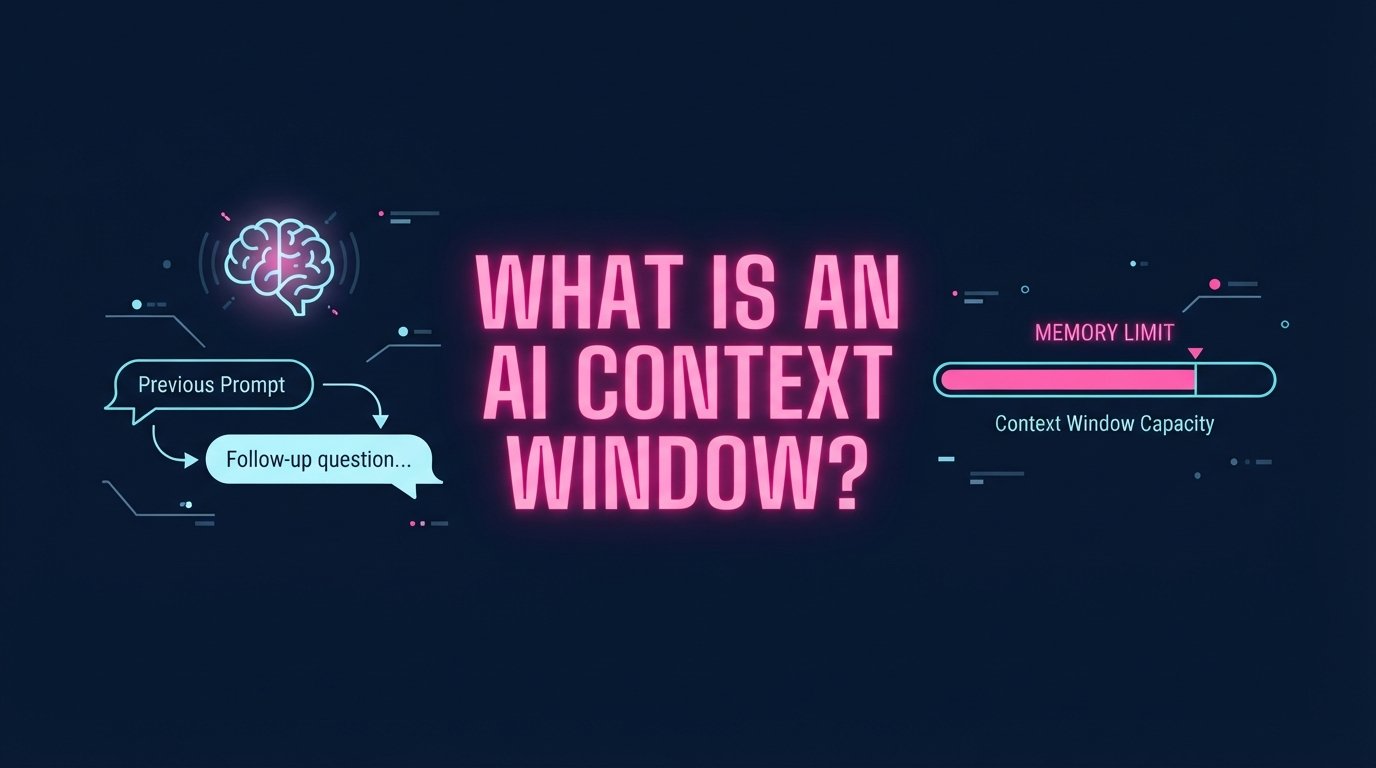
You didn't break the AI, and there isn't a glitch in the matrix. You simply ran out of memory. In the world of Artificial Intelligence, this memory limit is called a Context Window.
If you are using AI to write blog posts, analyze data, or write code, understanding the context window is the single most important skill you can learn. If you push an AI past its window, it starts hallucinating, forgetting instructions, and ruining your output. Today, I am going to explain exactly how this works in plain English, how tokens are calculated, and the massive differences between ChatGPT and Claude in 2026.
Table of Contents
1. The Goldfish Brain: What Exactly is a Context Window?
Think of an AI's context window like a person's short-term working memory. Imagine reading a massive book, but you are only allowed to remember the last 10 pages you read. As you turn to page 11, page 1 is completely wiped from your brain.
When you start a new chat with an AI, the context window is empty. Every time you type a prompt, and every time the AI replies, that text goes into the window. As the conversation goes on, the window fills up. Once it hits its maximum limit, the AI starts pushing the oldest messages out of the window to make room for the new ones.
This is why an AI will confidently ignore your initial instructions if your chat goes on for too long. To the AI, those instructions no longer exist.
2. Tokens vs. Words: How AI Counts Data
AI models don't count memory in words or characters. They count memory in Tokens.
A token is a piece of a word. The AI breaks words down into syllables or chunks so it can process them faster. A good rule of thumb in the English language is that 1 token is approximately equal to 3/4 of a word (or 4 characters).
- "Cat" = 1 token.
- "Hamburger" = 3 tokens (Ham-bur-ger).
- An emoji (like 🚀) = Can sometimes take 2 or 3 tokens depending on its Unicode value.
- Coding syntax (like `{ }` or `=>`) takes up significantly more tokens than standard English.
🚀 How to Avoid Blowing Your Limits
Before I paste a massive PDF or 5,000-word competitor article into an AI prompt to summarize, I always check how heavy it is. I paste the text into our Word & Character Counter Tool. If the word count is over 4,000 words, I know it's going to eat up roughly 5,500 tokens immediately. Knowing your input size stops you from accidentally erasing the AI's memory limits.
3. ChatGPT vs. Claude: The 2026 Limits Compared
If you are a heavy AI user, you need to know exactly which tool to use for which job. The size of the context window is the biggest differentiator between the major tech companies today.
| AI Model (2026) | Context Window Limit | Estimated Words (Memory Limit) |
|---|---|---|
| ChatGPT Free (GPT-4o mini) | ~32,000 tokens | ~24,000 words (A short novella) |
| ChatGPT Plus (GPT-4o) | 128,000 tokens | ~96,000 words (A standard novel) |
| Claude 3.5 Sonnet | 200,000 tokens | ~150,000 words (Two large books) |
| Google Gemini 1.5 Pro | 1,000,000 to 2,000,000 tokens | ~1,500,000 words (An entire library of books) |
As you can see, Google Gemini currently has an absolutely massive context window. If you need an AI to read an entire 500-page PDF manual and answer questions about it, Gemini is the only tool that won't forget what was on page 5.
4. The "Needle in a Haystack" Problem
You might be looking at that chart and thinking, "Great, I'll just use Gemini for everything." Not so fast.
Just because an AI can hold 1 million tokens in its memory doesn't mean it can process them perfectly. In the AI industry, we call this the "Needle in a Haystack" problem. If you feed an AI a massive context window filled with 100,000 words, and you ask it to recall one specific sentence buried in the middle, it often fails.
AI models have excellent recall for the very beginning of the context window (your first prompt) and the very end of the context window (your most recent message). The "middle" of the memory gets incredibly fuzzy.
5. How to Manage Context Like a Pro
If you want high-quality output, you need to manage your AI's memory. Here are the three rules I use every single day:
Rule 1: Use Fresh Chats for New Tasks
Never ask ChatGPT to write a blog post about SEO, and then in the exact same chat, ask it to write code for a WordPress plugin. The SEO rules will pollute its memory. Start a brand new, clean chat session for every distinct task.
Rule 2: Put Core Rules at the End
Because of the "Needle in a Haystack" problem, the AI remembers what it reads last. If you have strict formatting rules, put them at the very bottom of your prompt, not the top.
... [Your massive prompt and data goes here] ...
REMINDER OF RULES:
1. Do not use the word "delve".
2. Write in a casual tone.
3. Format with H2 and H3 tags.
Rule 3: Remind the AI Frequently
If you are in a long chat session working on a massive project, and you notice the AI is starting to slip into a robotic tone, it means your original instruction got pushed out of the context window. Simply reply: "Remember, we are writing in a highly casual, first-person tone. Maintain this rule." This injects the rule fresh into the very front of its memory.
The Bottom Line
AI is incredibly powerful, but it isn't magic. It has a hard, mathematical limit to what it can remember at any given time. Once you understand token limits and how the context window works, you stop fighting with the machine and start manipulating it to get exactly what you want.