
Title Case vs. Sentence Case: Which Drives More Clicks (CTR) on Google?

Adnan Naseem
WordPress Developer & SEO Expert
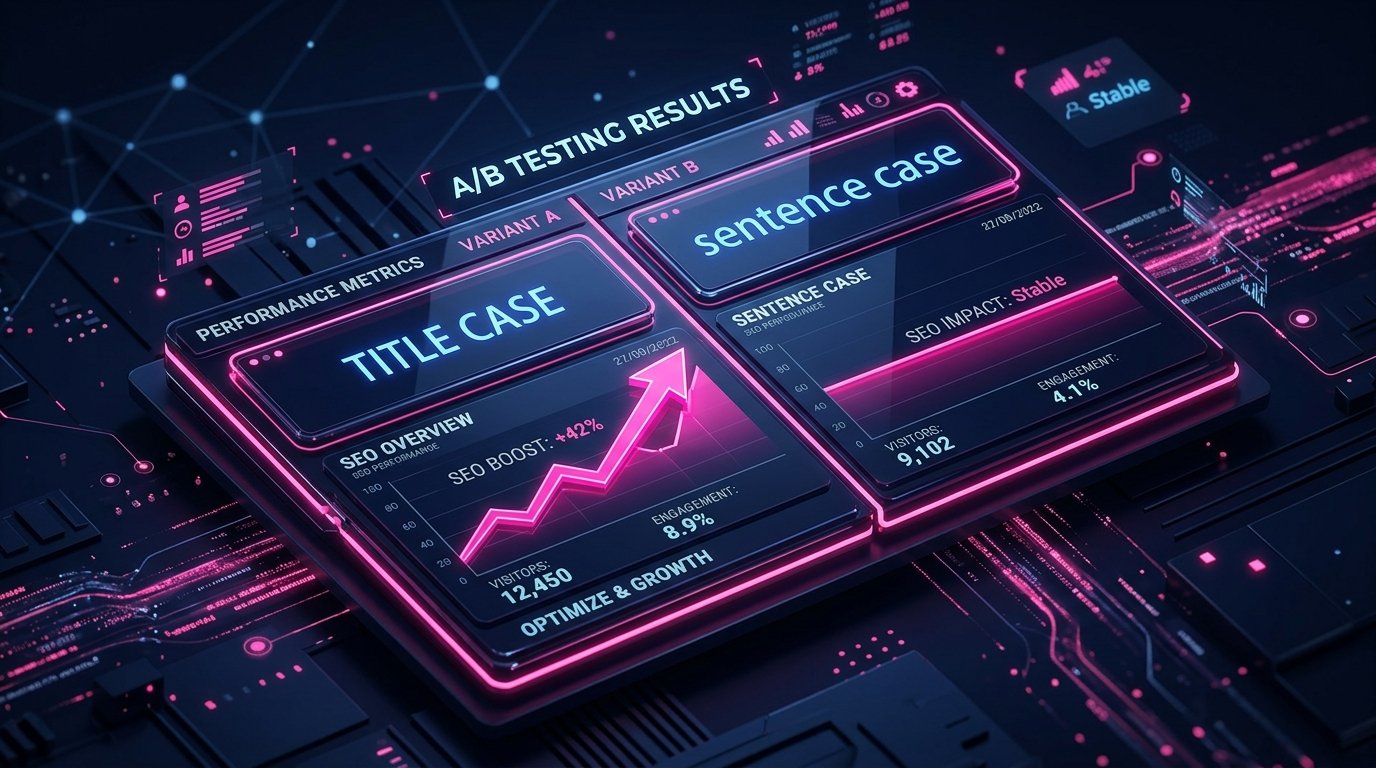
If you are an SEO professional, you already know that climbing to the first page of Google is only half the battle. Once you are there, you have to convince the user to actually click on your link instead of your competitor's. This is measured by your Organic Click-Through Rate (CTR).
Most marketers obsess over finding the perfect power words, numbers, and emotional triggers to boost CTR. But there is one incredibly simple psychological trigger that almost everyone overlooks: Capitalization.
Should your SEO titles look like this: "How to bake a chocolate cake from scratch" (Sentence case)?
Or should they look like this: "How to Bake a Chocolate Cake from Scratch" (Title case)?
It seems like a trivial grammar choice, but when you are dealing with millions of searches, this tiny formatting decision can mean the difference between massive traffic and total obscurity. Today, we are going to look at hard, data-driven split tests to settle the debate once and for all: Which capitalization style actually wins the click in 2026?
Table of Contents
1. The Difference Between Title Case and Sentence Case
Before we look at the data, let's establish exactly what we are testing.
Title Case: You capitalize the first letter of every major word. You keep minor words (articles like a, an, the; conjunctions like and, but, or; and short prepositions like in, to, for) lowercase unless they are the very first word in the title.
Example: The Ultimate Guide to On-Page SEO in 2026
Sentence Case: You treat the title exactly like a normal sentence. You only capitalize the first letter of the first word, and any proper nouns (like brand names or locations). Everything else is lowercase.
Example: The ultimate guide to on-page SEO in 2026
2. The Famous Semrush SplitSignal Case Study
For years, the SEO community argued about this based on gut feeling. Traditionalists argued that Title Case looks more "authoritative," while modernists argued that Sentence Case looks more "natural" and conversational.
To settle this, Brian Moseley and the team at Semrush ran a massive statistical experiment using their SplitSignal tool. They took a major software website that exclusively used Title Case for its SEO titles. They isolated 70 high-traffic article pages and forced a split test: they changed the control group's titles to Sentence Case, leaving the rest as Title Case.
They monitored the organic traffic for 28 days to see how real Google users reacted.
The Results Were Definitive
The pages that were switched to Sentence Case saw a 2.4% decrease in organic clicks compared to the forecasted model.
Keep in mind, Google's algorithm does not use capitalization as a ranking factor. The rankings of those pages did not drop. The impressions remained the same. The only thing that dropped was the CTR. Real human beings saw both options on the search results page and actively chose to click on the Title Case results more often.
"When users are scanning Google, they are looking for authoritative answers. Title Case visually breaks up the words, making the headline easier to scan quickly. It signals professionalism, intention, and authority. Sentence Case, in organic search, often blends in too much and looks like an amateur forum post."
3. The Plot Twist: Why Ads Perform Differently Than SEO
So, the rule is simple, right? Just use Title Case everywhere. Wrong.
This is where digital marketing psychology gets fascinating. While Title Case wins for Organic SEO, recent 2026 data from Optmyzr analyzing over 1 million Google Ads (Responsive Search Ads) showed the exact opposite result for paid advertising.
In Google Ads, Sentence Case ad copy significantly outperformed Title Case.
| Metric | Title Case Ads | Sentence Case Ads |
|---|---|---|
| Click-Through Rate (CTR) | Lower | Highest (12.33%) |
| Return on Ad Spend (ROAS) | Lower | 307.58% (Winner) |
| Cost Per Acquisition (CPA) | $27.47 | $7.46 (Winner) |
Why the Contradiction?
It comes down to user intent and "Banner Blindness." Users know they are looking at an ad. If an ad uses heavy Title Case, it screams "I AM SELLING YOU SOMETHING." People instinctively scroll past it.
However, when an ad uses Sentence Case, it looks casual. It mimics the look of a regular, organic search result or a helpful forum post. It slips past the user's "ad blocker" mentality, resulting in vastly cheaper clicks and higher conversions.
4. The Danger of Title Case: The Pixel Truncation Trap
If you are optimizing your organic blog posts, you should absolutely be using Title Case to maximize your CTR. However, there is a dangerous technical trap you must avoid: Pixel Width.
Google truncates (cuts off with "...") SEO titles that are too long. But Google does not measure length by character count; it measures it by pixel width (usually capping around 600 pixels on desktop).
Capital letters are physically wider than lowercase letters. A capital "W" takes up almost twice as much pixel space as a lowercase "i". Because Title Case uses significantly more capital letters, your titles will hit Google's pixel limit much faster than if you used Sentence Case.
🚀 Verify Your Pixels: The Meta Length Checker
Never guess if your Title Case headline is going to get cut off. Before you publish, paste your headline into our free SEO Title & Meta Description Length Checker.
This tool renders a live, pixel-accurate preview of exactly how your title will look on Google's desktop and mobile SERPs. If your Title Case headline gets truncated, you can easily tweak it before it goes live, saving your CTR.
5. How to Automate Your Formatting (The Fast Way)
Knowing the rules of Title Case (which words to capitalize and which minor prepositions to ignore) can be tedious. If you are managing a team of writers, or if you are using AI to draft content, you will often find wildly inconsistent capitalization across your website.
Inconsistency hurts brand trust. You need a fast way to standardize every heading on your site without manually referencing the Chicago Manual of Style every five minutes.
🚀 The Fix: Use the Online Case Converter
I built a specific utility to solve this exact formatting headache. Just copy your messy headlines and paste them into our free Advanced Online Case Converter Tool.
With a single click, you can instantly transform any block of text into perfect Title Case, Sentence case, UPPERCASE, or lowercase. It perfectly follows grammatical rules, ignoring minor words like "and" or "the" during Title Case conversion. It is the fastest way to ensure your blog formatting looks 100% professional and ready to win the organic click.
The Bottom Line
The data is clear. If you are writing Organic SEO Titles, H1s, or H2s for your blog, use Title Case. It looks authoritative, it is easier to scan, and split tests prove it drives a higher CTR.
If you are writing Paid Ad Copy, Facebook posts, or casual email subject lines, use Sentence Case. It lowers the user's guard, feels conversational, and drastically lowers your Cost Per Acquisition.
Stop leaving your CTR to chance. Standardize your formatting today and let human psychology do the heavy lifting for your traffic.